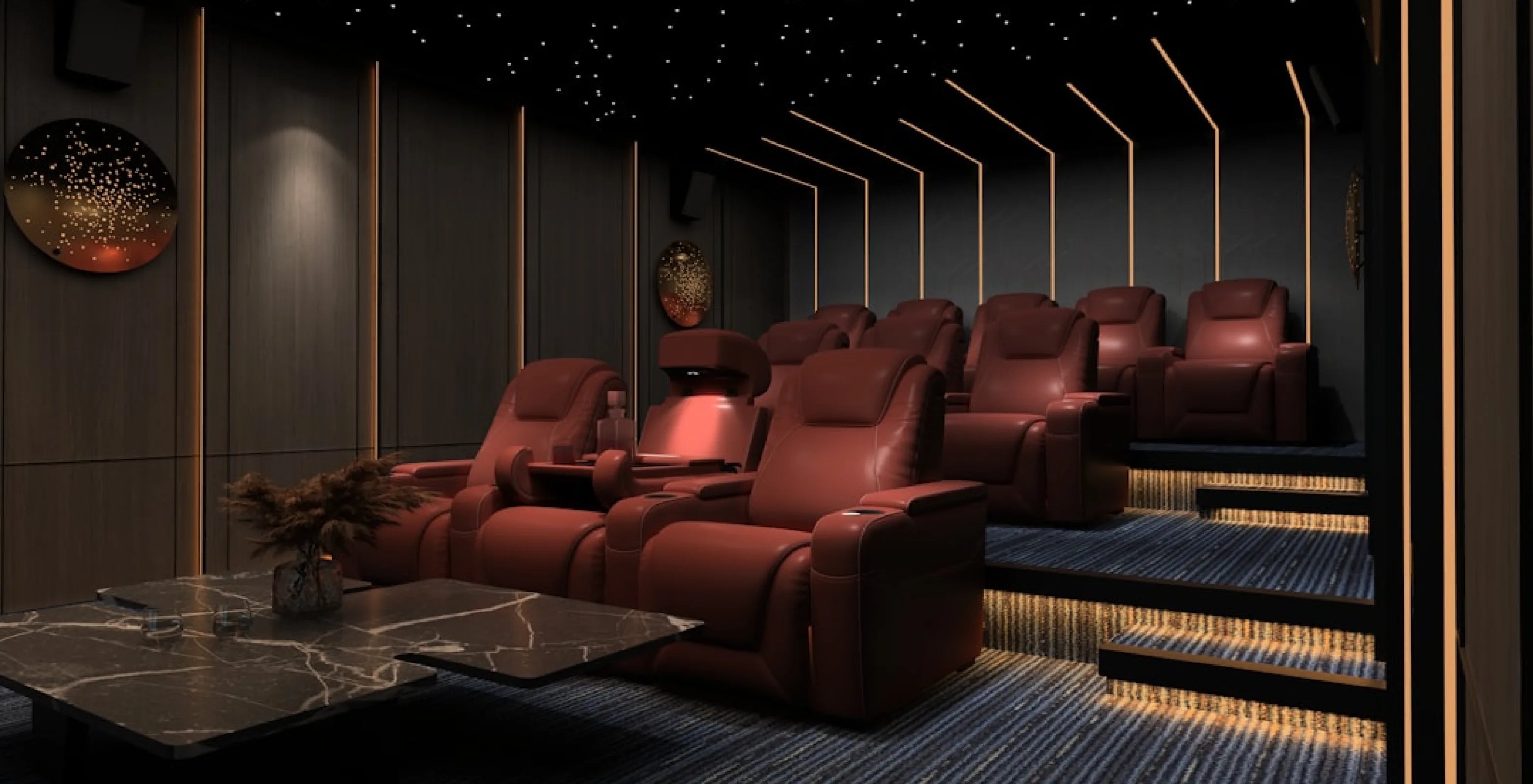
How Far Should Your Couch Be From the TV? Viewing Distance & Screen-Size Chart
Share
Before the TV is even mounted, the couch needs a spot. Get the distance right and movie night feels like a theater. Get it wrong and you're either squinting at a tiny picture or craning your neck at a wall of pixels.
So, how far should your couch be from the TV? For a 65-inch screen, sit about 6.5 to 8.8 feet away. For a 75-inch screen, about 7.5 to 10.2 feet. The exact number depends on your screen size and how immersive you want the picture: a closer distance packs more picture into your view for a cinema feel, a farther one is easier on the eyes for everyday TV.
Start by finding your own number for any screen size, then measure your room against it and see how a second row or a sofa changes the math.
Couch-to-TV Distance Chart: Every Screen Size at a Glance
Two reference angles show up again and again in TV and home theater guides. SMPTE, the Society of Motion Picture and Television Engineers, recommends a screen that fills about 30 degrees of your horizontal field of view, described as the minimum viewing angle (Sound & Vision). THX, the cinema-standards group, is usually cited at roughly 36 to 40 degrees, a closer, more immersive angle (Sound & Vision).
Both numbers describe the same thing: how much of what you see is screen. A common guideline is to pick an angle somewhere in this range. A wider angle means sitting closer, with the picture filling more of your view. A narrower angle means sitting farther back, for a more relaxed, everyday-TV feel. The chart below uses the closer end of THX's range, 40 degrees, so you can see the full spread against SMPTE's 30 degrees. Distances are rounded to the nearest tenth of a foot.
| TV size (diagonal) | Screen width (16:9) | SMPTE distance (relaxed) | THX distance (cinema) |
|---|---|---|---|
| 50" | 43.6" | 6.8 ft | 5.0 ft |
| 55" | 47.9" | 7.5 ft | 5.5 ft |
| 60" | 52.3" | 8.1 ft | 6.0 ft |
| 65" | 56.7" | 8.8 ft | 6.5 ft |
| 70" | 61.0" | 9.5 ft | 7.0 ft |
| 75" | 65.4" | 10.2 ft | 7.5 ft |
| 80" | 69.7" | 10.8 ft | 8.0 ft |
| 85" | 74.1" | 11.5 ft | 8.5 ft |
| 90" | 78.4" | 12.2 ft | 9.0 ft |
| 100" | 87.2" | 13.6 ft | 10.0 ft |
Projection screens work the same way, just at a bigger diagonal. A projector screen is a fixed size once it's installed, unlike a TV you might upgrade, so it's worth planning your front row around the screen you're putting in rather than the other way around.
| Screen size (diagonal) | Screen width (16:9) | SMPTE distance (relaxed) | THX distance (cinema) |
|---|---|---|---|
| 100" | 87.2" | 13.6 ft | 10.0 ft |
| 110" | 95.9" | 14.9 ft | 11.0 ft |
| 120" | 104.6" | 16.3 ft | 12.0 ft |
| 135" | 117.7" | 18.3 ft | 13.5 ft |
| 150" | 130.7" | 20.3 ft | 15.0 ft |
Treat each row as a comfortable range, not one exact number. These are reference angles, not hard limits, so a room that lands a little short of the SMPTE distance or past the THX distance can still work well.
Pick the closer number for a dedicated movie room and the farther number for a room that also handles sports and everyday TV. Anything in between is a fine place to land.
Browse our home theater seating to see rows sized for distances across this whole chart.
How to Measure Your Own Screen and Work Out Your Distance
Your TV might not be one of the sizes above, or you might be planning around a screen you haven't bought yet. Either way, you can work out your own number with a tape measure and two multipliers, no app required.
- Measure your screen's width, corner to corner along the bottom edge, not the diagonal size printed on the box.
- No tape measure on the screen yet? Multiply the diagonal size by about 0.87 to estimate a standard 16:9 screen's width.
- For the relaxed, SMPTE-style distance, multiply that width by about 1.87.
- For the closer, THX-style distance, multiply the same width by about 1.37.
Say you're eyeing a 58-inch TV, a size that falls between rows in the chart above. Its width works out to about 50.5 inches, so the SMPTE distance lands around 7.9 feet and the THX distance around 5.8 feet, right between the 55-inch and 60-inch rows, exactly as it should.
Here's a quick way to test your room: stand where the couch will go and have someone hold a tape measure at the screen wall. If the reading falls between your two numbers, your room is already in the zone and you don't need to move a thing.
Think of the two angles like adjusting a picture frame on a wall. Pull it closer and it fills more of your eyeline. Set it back and it becomes part of the whole room instead of the center of attention. Once you know your screen's width, these two multipliers are all you need.
Second Row Home Theater Seating: How Far Back It Sits
A second row needs its own distance from the screen, plus enough lift to see over the heads in front of it. Start from the seats themselves: each model's Dimensions tab lists Full Recline, the distance from the wall when fully reclined. Across the home theater seating models we checked, it runs from about 61.5 to 72 inches, and the Sienna reclines to 67 inches. Your front row needs that much floor, and your second row sits behind it.
There's no single number for how far behind the first row the second one sits, because it depends on the seats you choose. So work front to back. Mark the front row at your chosen viewing distance, add the front row's reclined depth, then see how much room is left for the second row and a walkway behind it. If the tape measure runs out before the back wall does, a single row is the better fit.
Sightlines matter as much as distance here. It's the same problem as stadium seating: if the second row sits at the same floor height as the first, taller viewers up front can block the bottom of the screen for the row behind them. A riser solves it by lifting the back row so its sightline clears the row in front.
There's no single riser height. Sound & Vision says it depends on your screen, seats and viewers, and suggests mocking it up, with about 18 inches usually sufficient as a starting point (source). SoundRight risers come in two heights, 7" and 14", including the SoundRight 7" riser platform. For the height, width and depth details, see our home theater riser guide.
- Browse our Home Theater Risers
Fitting the Row or Sofa Into the Room
Distance from the screen is only half the layout. The other half is making sure the row itself, and its recline, actually fits the wall behind it.
Wallhugger is the term for how much space a seat needs between its back and the wall when fully reclined. Across Seatcraft models it's about 3" to 6.5", for example the Sienna at 3", the Napa at 5" and the Pantheon at 6.5". Check the Specifications tab on the model you like before you finalize placement.
A seat that isn't a wallhugger needs more room behind it, and its Dimensions tab lists Full Recline, so keep tables and walkways beyond that distance. If your room is tight from front to back, a wallhugger row can help you hit your SMPTE or THX distance instead of splitting the difference.
Use the exact width listed for the model and configuration you pick. Power recline models plug into a standard 110v wall outlet, and each seat may need its own, so plan an outlet near the row. Manual models don't plug in, and a licensed electrician can advise if you need a new outlet.
If you're seating a mixed group rather than one dedicated row, a media room sofa gives you theater features in a shape that reads as living-room furniture, like the Seatcraft Vienna Sofa, which lists power recline and a powered headrest and lumbar. It's one way to bring theater-style seating into a room that still needs to look and feel like a living room.
Rows, loveseats and sofas all work with the same distance math above. A sofa's fixed width is just one more measurement to fit against your wall and your screen. For the rest of the room-measuring steps, like seat width and walkways, see our complete guide to buying home theater seating online.
- Browse our Sofas & Sectionals
The 2/3 Rule: Sizing Your Sofa or Row for the Wall
A common furniture-placement guideline for sizing a sofa or row against a wall is that it should be about two-thirds the length of the wall it sits against (Apartment Therapy, via Yahoo). It's a proportion guideline, not a strict rule. That keeps the room balanced, leaves space to walk around the ends, and gives you room for small side tables, instead of pushing the seating corner to corner or leaving it looking small and isolated.
It's the same instinct as hanging art on a wall. Too small and it looks lost. Too big and it overwhelms the room.
For a home theater row, measure your wall first, then compare it with the row widths on the product pages: home theater seating runs about 62 to 86 inches for 2 seats, 90 to 126 inches for 3 seats and 117 to 164 inches for 4 seats. On a 12-foot wall (144 inches), two-thirds is 96 inches, which suits a 3-seat row such as the Sienna Spacesaver at 90 inches. Pick the width closest to two-thirds of your wall, then confirm the exact width of the configuration you choose on its product page.
Browse our home theater seating to compare row widths against your own wall measurement.
Where to Start: 4Seating's Top Picks for Your Distance
Once you know your target distance, the next step is choosing seats sized to the room, a row, a loveseat, or a sofa, in the material and features that fit how you actually watch.
- Seatcraft Vienna Sofa - theater comfort in a sofa shape, a good fit if you're seating a mixed group rather than one dedicated row.
- SoundRight 7" Riser - lifts a second row just enough to clear sightlines over the row in front.
Measure your room depth and screen size against the distances above, and note that sample swatches are available for many upholstery options. The seats themselves ship free, so shipping won't change which option you choose. For anything the product page doesn't cover, our customer help line is open during business hours at 1-800-407-8665.
About this guide: Since 1997, 4Seating has been selling home theater seating, including the sofas and rows covered here.